







Checkout Field Editor for WooCommerce
The Best WooCommerce Checkout Manager – Easily customize checkout fields on your WooCommerce checkout page.
Subscription Options
A subscription entitles you to 1 year of updates and support from the date of purchase. License details

Get a Clean & New Checkout Page with Themehigh’s Woocommerce Checkout Manager.
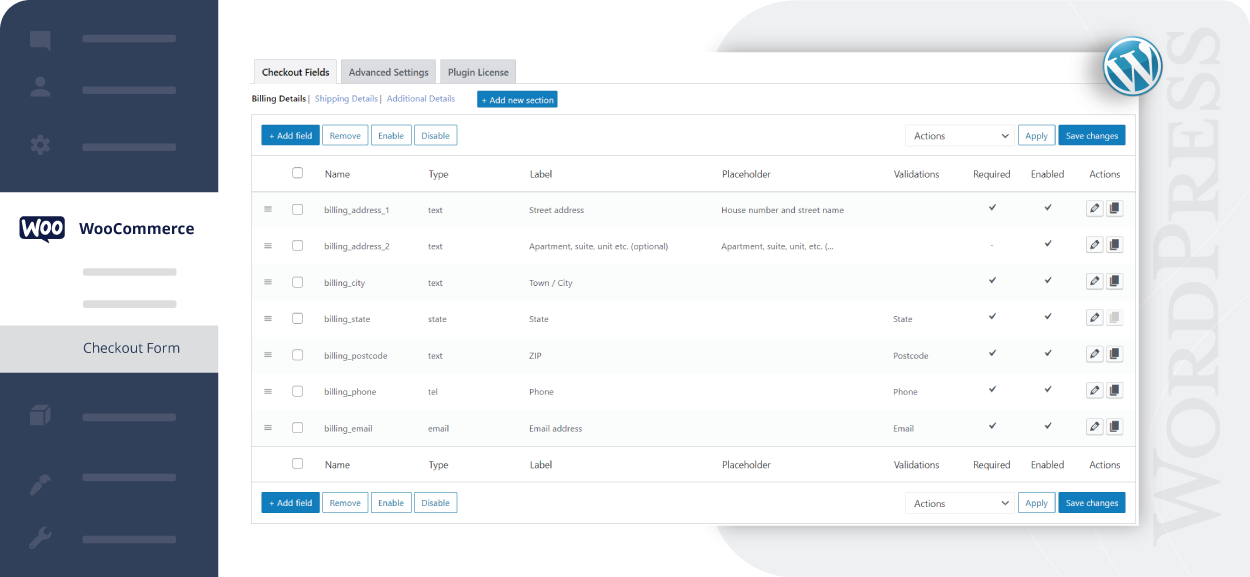
Modify, add, edit or delete the default and custom fields or create new sections for a clean and organised checkout page with the WooCommerce Checkout manager.
Key Features

Create Additional Checkout Fields & Sections
Add custom fields and sections to your checkout page

24 Custom Checkout Field Types
Provides twenty four different field types for your checkout form

Choose Price Type
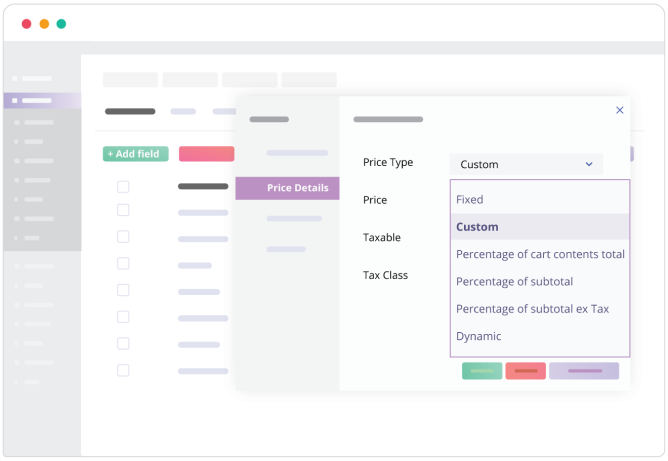
Choose the price type for the fields from the list

Display Fields & Sections Conditionally
Show fields and sections based on specific conditions

Repeat Fields & Sections Conditionally
Repeat fields and sections based on specific conditions

Manage Fields Display
Manage the display of fields in emails and order display pages

Rearrange Checkout Fields
Rearrange the default and custom checkout fields based on your needs

WPML Compatibility
Provides WPML compatibility feature

Import & Export fields and sections
You import and export the data of the plugin anywhere you like
Custom Checkout Fields
Get the required information from the shoppers by adding new fields to your WooCommerce checkout page. It allows you to edit, remove, and rearrange both the custom and default fields as per your need.
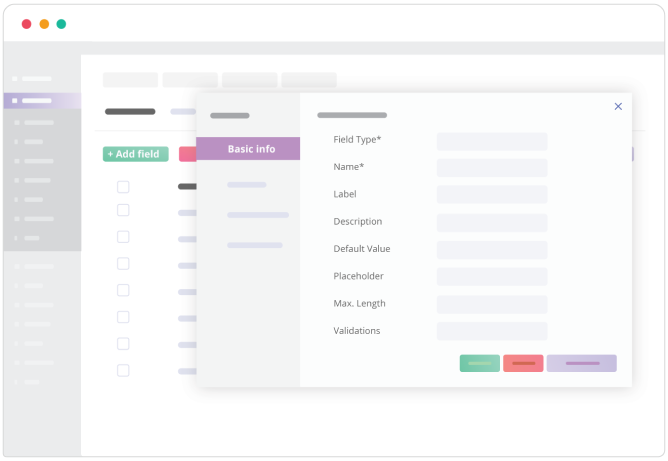
The Checkout Field Editor plugin also provides you several customization options for the WooCommerce default and custom fields. You can change the label name, add field description, placeholder, validations, label class, input class, and much more.
24 Custom Checkout Field Types
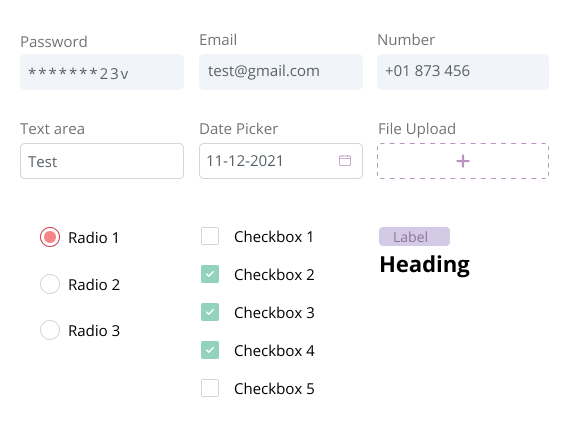
This plugin provides you 24 different field types for the custom fields
- Text
- Hidden
- Password
- Telephone
- Number
- Textarea
- Select
- Multi-Select
- Radio
- Checkbox
- Checkbox Group
- File Upload
- Date Picker
- Time Picker
- Datetime local
- Date
- Month
- Time
- Week
- URL
- Heading
- Label
- Paragraph
Create Section
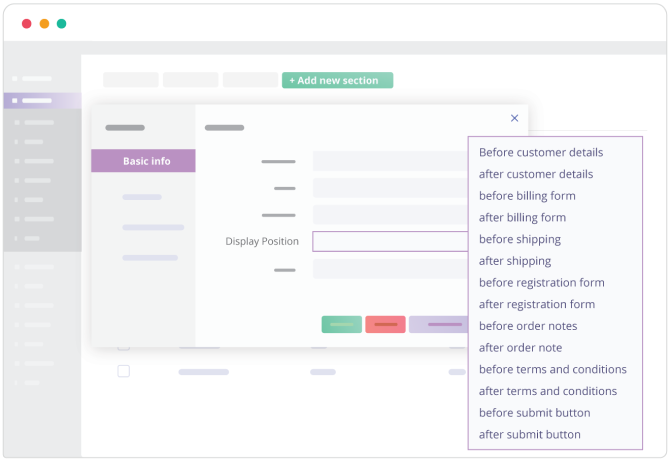
Section is a group of related fields. Like the billing section and the shipping section, you can create a new section by grouping custom created fields together as a separate individual section. You can customise them and set the display position of the custom made section at 14 different positions in your checkout page.
Display Fields & Sections Conditionally
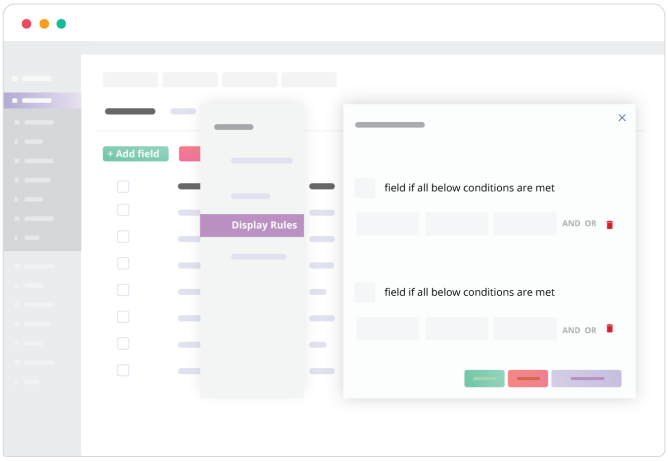
The Checkout Field Editor For WooCommerce plugin lets you display the fields and sections based on specific conditions. You can decide as to when the custom field should appear in your checkout page. You can select conditions when it must show/hide subjected to conditions. They can be displayed based on the shopper’s cart details, user roles, and product specifications. You can also display the sections based on the field values.
Repeat Fields & Sections
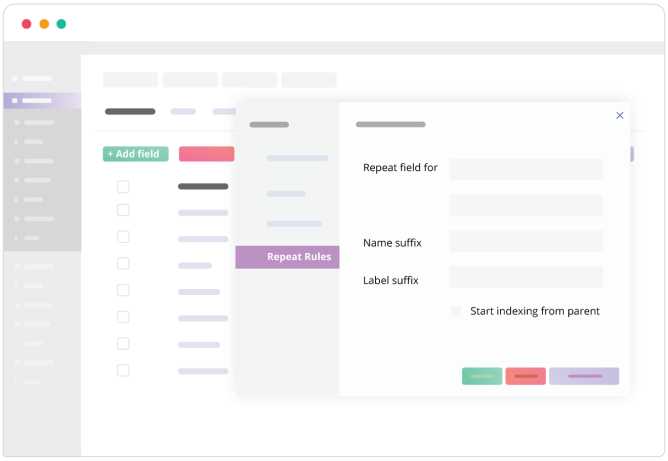
This plugin offers a unique feature where you can repeat the fields and sections in the checkout form based on specific conditions. You can make the fields reappear or repeat itself subjected to recurring conditions. When the given conditions are met, the corresponding fields or sections get displayed. Also, you can set repeat rules based on product quantity and cart count.
Alter Pricing Using Price Field
Fields for altering the present pricing method can be set choosing a condition that you want. Fields to display additional charges with respect to your requirement can be done here.
Custom Address Fields & Override option
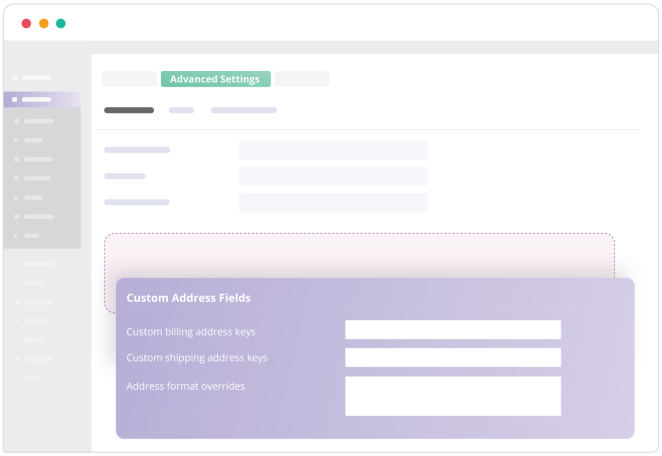
You can create fields and customise the address format. With the advanced setting option, you can override the default address format and change field settings so that it works correctly as you want it.
You can also enable the address auto-fill option enabling Google API from advanced settings.
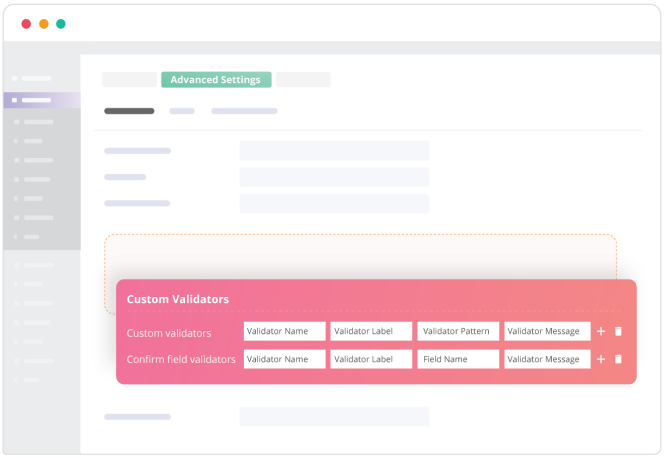
Custom validators and Confirm validators
At checkout you can place fields for validating user entered data by defining rules with regular expression formats as field values.
In addition to that you can also have additional fields or duplicate these with confirm validators which can be used as confirming the already entered data.
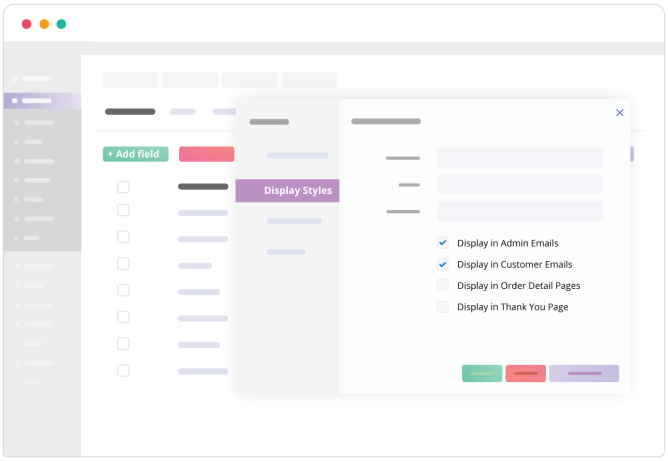
Show/Hide The Fields & Set Field Display Position
You can decide where these fields should be displayed based on your preference. You can Show/Hide the checkout fields in different places like in admin emails, customer emails, order display page, and in the thank you page.You can also set the position of the custom fields in Emails.

Developer Friendly With Custom Hooks
Helps the developers to use the hooks for the checkout fields to extend the field’s functionality

Zapier Support
Connect the plugin with Zapier to link with different business applications and bring automation to your daily tasks

Multilingual Support
The Checkout Field Editor plugin is WPML compatible that lets you translate the labels and placeholders of various fields to any language.

Backup & Import Settings
Export, import and backing up of all fields including custom fields are available. With UI friendly features, it enables duplicating fields, copying fields from other sites and also reverting fields, all possible with ease


